How do I update Designer+?
This article refers to Xara Designer Pro+, Web Designer+ and Photo & Graphic Designer+ available direct from Xara.
When you open your software, it will automatically check if there are any updates to download and install. You may see a pop-up like this, if there is an update available:
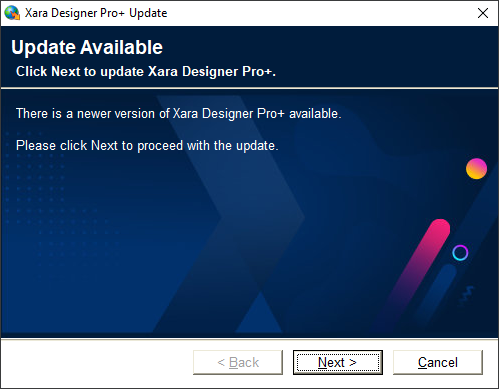
Alternatively, you can force Xara to check by going to Help > Check for updates.
Simply click next and Xara will then start to download the latest version. Follow the onscreen instructions and it will install the latest version for you.
To see what has been changed in each version, please refer to our Release Notes: